Serverless and Flogo - A Perfect Match

Serverless and Flogo - A Perfect Match

Simplify your serverless microservices workflow! šŸš€ Explore how the Serverless Framework and Project Flogo combine forces, slashing development time and streamlining deployments. Dive into a seamless journey with visual service design and easy configuration management.

I get to work with serverless microservices on a daily basis, those are services I use myself and ones I help our customers build to take advantage of the benefits that serverless brings you. With many services needing to be deployed and continuous updates, I found myself doing the same thing over and over. It is that specific task that frustrates me most; it simply wasn’t as seamless as I thought it could be.

In this article, I’ll walk you through how I cut the development time and make deployments easily repeatable like a walk in the parkā€Šā€”ā€Šthanks to the combination of the Serverless Framework and a tool called Project Flogo.
A Visual Approach To Building And Deploying Microservices

A Visual Approach To Building And Deploying Microservices

Explore the future of microservices with insights from our recent webinar with the O'Reilly team. Discover how visual tools simplify API definition and streamline deployment across various cloud environments. Unleash the power of microservices effortlessly!

Together with the O’Reilly team we did a webinar on visually building microservices. Modern and digital experiences today are powered by the fine-grained units of execution we call microservices. However, building microservices isn’t always simple—especially if you’re not an expert developer. How can we make it easy for developers and architects to visually create an API definition so they don’t need to become Swagger experts? Developing your microservices can also be complex, especially when you also need to take into account API specification. How can you visually create your microservices and deploy the same project in a private cloud, a public cloud, and on-prem?

Integration + Cloud - A Match Made in Heaven

Integration + Cloud - A Match Made in Heaven

Unlock the secrets to a perfect integration-cloud relationship! Join our Valentine’s Day webinar as we explore the love affair between integration and the cloud. ā¤ļøšŸŒ

Last year on February 14th we published a blog post on ā€œBuilding the Ultimate Valentine’s API.ā€ Personally, I had a lot of fun writing it and finding facts related to how we spend our Valentine’s Day (though I forgot to bring home chocolates and flowers to my wife, who was none too pleased)! To prevent history from repeating itself, we’re taking things a step further this year with a Valentine’s Day webinar on why Integration + Cloud = A Match Made in Heaven.

What Do I Do In Between re:Invent Live Streams? Build Lambda functions

What Do I Do In Between re:Invent Live Streams? Build Lambda functions

Dive into the world of serverless computing with AWS Lambda and Project Flogo! Explore the seamless integration, ultralight functions, and step-by-step deployment on AWS Lambda. Uncover the simplicity of building and scaling microservices effortlessly.

This year I wasn’t able to attend re:Invent, but I did want to do something nice in between the live streams and specifically around Serverless compute and AWS Lambda.

Lambda lets you run code without provisioning or managing servers. You pay only for the compute time you consumeā€Šā€”ā€Šthere is no charge when your code is not running. With Lambda, you can run code for virtually any type of application or backend serviceā€Šā€”ā€Šall with zero administration. Just upload your code and Lambda takes care of everything required to run and scale your code with high availability.

How To Deploy Flogo Apps To Kubernetes

How To Deploy Flogo Apps To Kubernetes

Unlock the synergy of Project Flogo and Kubernetes! Learn to seamlessly containerize ultralight edge microservices, elevate your CI/CD pipeline, and harness the power of Kubernetes for deployment agility.

With Project Flogo you can visually create Ultralight Edge Microservices and run them anywhere. But what if you want to run those incredibly light microservices using one of the most powerful container management platforms, Kubernetes?

Prerequisites

As described on the Kubernetes website

Kubernetes is an open-source system for automating deployment, scaling, and management of containerized applications. It groups containers that make up an application into logical units for easy management and discovery.

If you haven’t set up your own Kubernetes cluster yet, I can absolutely recommend looking at minikube. The team has made an amazing effort to make it super easy to run your own cluster locally with minimal installation effort.

When Is iPaaS The Right Level Of Abstraction?

When Is iPaaS The Right Level Of Abstraction?

Navigating the SaaS web: Explore our latest blog on the challenges and solutions of connecting myriad enterprise apps. Discover strategies for seamless integration in the age of SaaS proliferation.

The explosion of SaaS as the typical acquisition pattern for enterprise software means that any given organization has (or will have) dozens of apps to connect to each other. In fact, the average Marketing department uses about 30 different SaaS apps, and the average HR department…

How To Build Extensions For Flogo Apps In TIBCO Cloud Integration

How To Build Extensions For Flogo Apps In TIBCO Cloud Integration

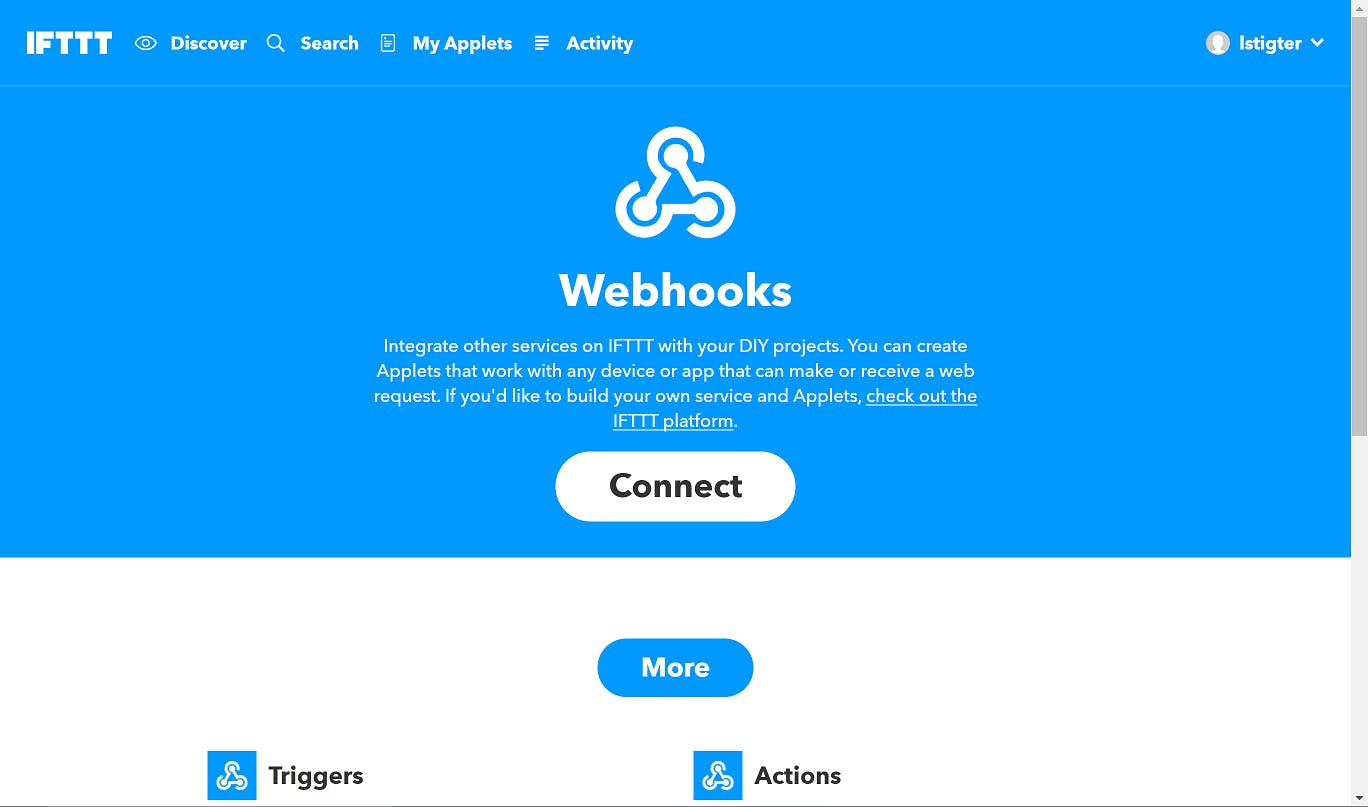
Discover the power of TIBCO Cloud Integration - Web Integrator with custom activities! Learn how to extend connectivity to IFTTT through a step-by-step guide in our latest blog post.

Last month TIBCO added the ability to add custom activities to TIBCO Cloud Integrationā€Šā€”ā€ŠWeb Integrator (I’ll use Web Integrator going forward). The Web Integrator experience is ā€œPowered by Project Flogoā€, so when you create your own extensions for Web Integrator, and use them in every flow that you want, those activities will work with Project Flogo as well. In this blog post I’ll walk through creating a new extension that connects to IFTTT using the WebHooks service.

How To Build Twelve Factor Apps with Node.js in TIBCO Cloud Integration

How To Build Twelve Factor Apps with Node.js in TIBCO Cloud Integration

Explore the 12 Factors of the renowned 12 Factor App manifesto by Heroku and learn how to implement them effectively for Node.js apps in TIBCO Cloud Integration. Uncover best practices for codebase, dependencies, configuration, and more.

Back in 2012, the engineering team at Heroku created a set of best practices to develop and run web apps. That document, consisting of 12 incredibly important ‘rules’, was dubbed the 12 Factor App manifesto. Over the years the document gained a lot of traction and especially with the rise of microservices having a 12 Factor App compliant app became important. With the rise of microservices a lot of other practices and tools (like git, DevOps, Docker and Configuration Management) became very popular as well.

What Every Node.js Developer Should Use To Deploy To TIBCO Cloud Integration

What Every Node.js Developer Should Use To Deploy To TIBCO Cloud Integration

Elevate your TIBCO Cloud experience with tibcli - the command line interface that empowers developers to streamline tasks seamlessly. Discover the efficiency of CLI in our latest release!

Pretty much all the large cloud platforms provide not only a great visual interface to get things done, they also have a great command line interface. As much as I love a great UI when browsing the web, I do tend to favor the command line interfaces when I’m focusing on developing things.